Repository navigation
Return to the split overview after Remove split when editing a per diem split - #102271
Conversation


Deleting a per diem split opens the split edit page instead of deleting it. Removing a split
there only edited the local draft, and nothing reverted until Save was pressed on the overview.
Now a removal that leaves one split commits the revert immediately, through a shared
useSaveSplitExpenses hook extracted from the overview's Save.

Co-authored-by: Linh Vo <linhvovan29546@users.noreply.github.com>

 melvin-bot
Bot
added
Melvin-Test-Android
Melvin-Test-Web

|
I created this PR from an upstream branch because I can't push to a fork of yours. To take over this branch and push updates, run: Then you can close this PR and open a new one from your fork. |

Codecov Report✅ Changes either increased or maintained existing code coverage, great job!
|
|
⏱️ Ran out of time before I could finish. This usually means the task was too complex or I got stuck exploring. Please try again with a more specific request or post in #melvinbot-ai. |
|
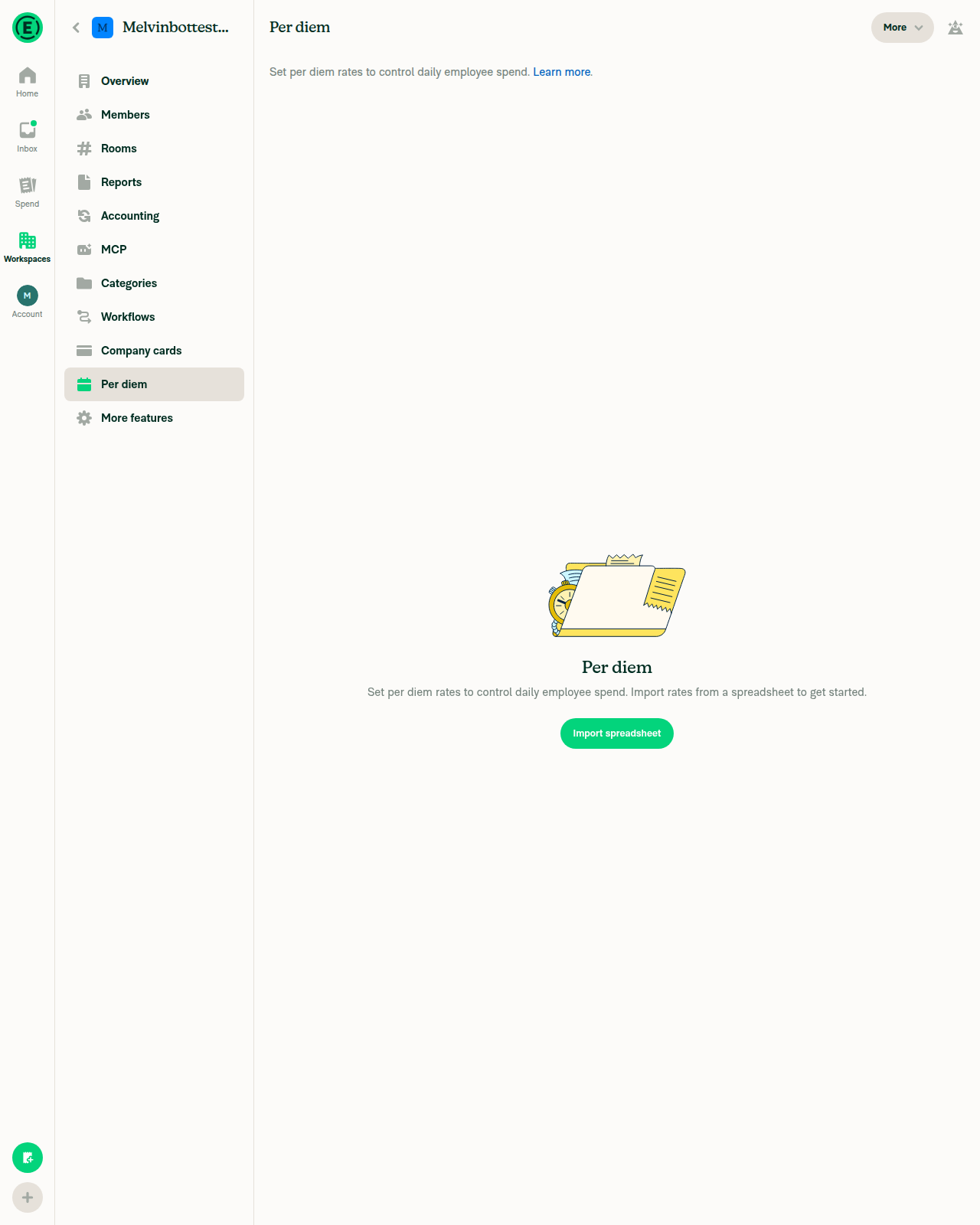
🤖 Web test steps verification results: ❌ fail I could not test the per diem split-revert fix. Creating a per diem expense needs a per diem rate on the workspace, and on web the only way to add a rate is to upload a spreadsheet. The browser tool I use can't upload files. This PR has no written test steps yet, so I used the reproduction steps from the linked issue.
To unblock this, you can test on an account whose workspace already has per diem rates. You can also add written test steps to the PR, then retry. |

|
@MelvinBot Please merge the main branch and resolve conflicts |
…plitRevert

Co-authored-by: Linh Vo <linhvovan29546@users.noreply.github.com>

# Conflicts:
#	src/pages/iou/DynamicSplitExpensePage.tsx
|
I merged Conflict:
Checks run locally:
|

| style={[styles.w100, styles.mb4]} | ||
| onPress={() => { | ||
| removeSplitExpenseField(draftTransactionWithSplitExpenses, splitExpenseTransactionID, getCurrencyDecimals); | ||
| const remainingSplitExpenses = removeSplitExpenseField(draftTransactionWithSplitExpenses, splitExpenseTransactionID, getCurrencyDecimals); |

There was a problem hiding this comment.
The function is named removeSplitExpenseField, but it returns redistributedSplitExpenses, so I don’t think the function name is appropriate here. Since function names should describe the action being performed, should we rename it?
There was a problem hiding this comment.
Good point. In 003ad20, I renamed it to removeSplitExpenseAndRedistributeAmounts, which matches the existing redistributeSplitExpenseAmounts helper. I updated every reference, including both test files, and added a JSDoc noting that it returns the remaining split expenses it saved to the draft.
Typecheck, lint, and SplitTest.ts plus SplitExpenseAutoAdjustmentTest.ts (160 of 160) pass locally.
…ounts

The function removes a split, redistributes amounts across the remaining splits, writes them to the split draft, and returns them, so the old name no longer described what it does. Add a JSDoc noting the return value.

Co-authored-by: Linh Vo <linhvovan29546@users.noreply.github.com>
|
@MelvinBot One suggestion on approach: introducing |
…plit edit page

Drop the useSaveSplitExpenses hook and restore DynamicSplitExpensePage to its main version, so the fix stays scoped to DynamicSplitExpenseEditPage.

Co-authored-by: Linh Vo <linhvovan29546@users.noreply.github.com>
|
Agreed. It's lower risk, so I made the change in c5a9a67.
One tradeoff: the Onyx reads for this call now exist in both pages. Checks: typecheck, lint, |
|
The failing check is unrelated to this PR, so I didn't push a fix. Analysis: Evidence: The same two tests fail with the same error on other PRs today, for example on the
|
|
I rechecked the checks. This PR didn't cause the failures, so I have no code fix to push.
|
|
I rechecked the checks.
After the fixes land on |
|
@MelvinBot Quick question on the new hooks added here — isSplitPerDiemRequest/revertSplit only needs allReportActions, allReportNameValuePairs, allSnapshots, unscoped PolicyTags, unfiltered useAllPersonalDetails, etc. (lines 231-254), but since hooks can't be called conditionally, every visit to this edit page now pays for all of them — including some of the most write-heavy collections in the app — even when editing a plain non-per-diem split. Would it make sense to move that block into a small child component, conditionally mounted only when isSplitPerDiemRequest is true, and have it report the computed split back up via a callback (e.g. onRevertReady)? That way the subscriptions only exist for the lifetime of an actual per-diem revert, and this page's common-case renders stay untouched. There's already a precedent for this exact shape in the codebase — DeleteWorkspaceFlow, conditionally mounted from WorkspaceOverviewPage only while isDeleteWorkspaceFlowVisible, which isolates its (heavier) Onyx subscriptions from the parent list page and reports back via onDismiss/onDeleteComplete callbacks for the same reason. |
The edit page mounts it only after Remove split leaves one split of a per diem expense, so its Onyx subscriptions no longer run on every visit to the edit page.

Co-authored-by: Linh Vo <linhvovan29546@users.noreply.github.com>
|
MelvinBot has made 5 consecutive commits trying to fix CI failures. Automatic CI fix dispatches are now paused for this PR. Next steps: A human should review the recent commits and resolve the conflicting CI errors manually. |
|
Yes, good call. I moved the block into a child component in 29fea25. I mount it only when a revert actually happens, not whenever
I dropped the Checks: typecheck, lint, |
|
@MelvinBot I found the actual root cause of issue, and I don't think this PR fixes it.
Neither passes options, so both dispatch immediately in the same tick, before the first navigation settles. That breaks the navigation stack the edit page's "go back to overview → Save" flow depends on, so after Remove split, going back doesn't land on the overview with the updated splits and Save button — which is why it looks like nothing happened. Fix — chain the second navigate through afterTransition (same pattern as dismissModalAndOpenReportInInboxTab.ts) so it waits for the first to start: |
…erting on Remove split

initSplitExpense pushed the split overview and the split edit page in the same tick, so the edit page replaced the overview's RHP. Going back from the edit page then closed the RHP instead of returning to the overview, where Save commits the change.

Chain the edit-page navigation through afterTransition, and drop the immediate-revert workaround from the edit page.

Co-authored-by: Linh Vo <linhvovan29546@users.noreply.github.com>
MelvinBot
changed the title
|
You're right. I confirmed the root cause in code and replaced this PR's fix with yours in d158f14. What changed
Why the old flow broke: the first push adds an RHP with no inner state yet. Because of that, the second push doesn't nest inside it. History and open points
Checks: typecheck, formatting, and the split tests (160 of 160) pass. Lint shows no new errors. |
|
@MelvinBot Please add the test step and QA step |
|
Done. I added your steps to both the Tests and QA Steps sections of the PR description, with the precondition and numbered steps. I kept the existing JS console check under each section and left the Offline tests section unchanged. |
|
@MelvinBot Please mark the PR ready for review |
|
This PR is now ready for review. The Tests and QA Steps sections in the description are still TODO placeholders. The human co-author needs to fill them in. |

|
@linhvovan29546 Please copy/paste the Reviewer Checklist from here into a new comment on this PR and complete it. If you have the K2 extension, you can simply click: [this button] |
Reviewer Checklist
Screenshots/VideosAndroid: HybridAppScreen.Recording.2026-09-30.at.16.45.39.movAndroid: mWeb ChromeScreen.Recording.2026-09-30.at.16.42.56.moviOS: HybridAppScreen.Recording.2026-09-30.at.16.47.39.moviOS: mWeb SafariScreen.Recording.2026-09-30.at.16.41.28.movMacOS: Chrome / SafariScreen.Recording.2026-09-30.at.16.39.41.mov |


There was a problem hiding this comment.
💡 Codex Review
Here are some automated review suggestions for this pull request.
Reviewed commit: d158f14aeb
ℹ️ About Codex in GitHub
Codex has been enabled to automatically review pull requests in this repo. Reviews are triggered when you
- Open a pull request for review
- Mark a draft as ready
- Comment "@codex review".
If Codex has suggestions, it will comment; otherwise it will react with 👍.
When you sign up for Codex through ChatGPT, Codex can also answer questions or update the PR, like "@codex address that feedback".
| // so going back from it (e.g. after Remove split) closes the RHP instead of returning to the overview to Save. | ||
| Navigation.navigate(splitExpenseOverviewRoute, { | ||
| afterTransition: () => { | ||
| Navigation.navigate(createDynamicRoute(DYNAMIC_ROUTES.SPLIT_EXPENSE_EDIT.getRoute(reportID, transaction.transactionID), splitExpenseOverviewRoute)); |
There was a problem hiding this comment.

If the user presses Back or navigates to another destination while the overview is still transitioning in, this callback remains queued and later opens the captured edit route over the destination they chose. Navigation.navigate schedules afterTransition through TransitionTracker, which waits for transitions to finish but does not cancel callbacks when the overview is popped; guard or cancel this continuation when its overview is no longer active.
Useful? React with 👍 / 👎.
There was a problem hiding this comment.
The race is real, but I don't think it's worth changing here. I recommend no code change.
- Impact is small. The edit page only reopens if the user leaves the overview while its open animation is still running, which is a few hundred milliseconds right after they tap the menu item. Even then, the edit page just opens where they didn't expect it. No data is saved or lost.
- This matches the existing pattern.
dismissModalWithReportchains anavigatethrough an uncancelledafterTransitionthe same way. - A guard adds more risk than it removes.
navigatedoesn't return the cancel handle, so the only option is an active-route check inside the callback.isActiveRoutestrips query params from the active route but not from the route you pass in. The overview route is dynamic and can carry query params, for example from Search. A mismatch there would block the edit page every time and break the main flow. I can't test that flow in the browser, because the test account has no per diem rates.
How the timing works
navigate passes afterTransition to TransitionTracker.runAfterTransitions with waitForUpcomingTransition: true. runAfterTransitions waits for the next transition to start, then until no transitions are active. If the user goes Back during the overview's push, the pop is just another transition. The callback then fires after the pop ends. Each wait is capped at 1000 ms (MAX_TRANSITION_START_WAIT_MS, MAX_TRANSITION_DURATION_MS).
If you'd still like a guard, reply and I'll add one. It would compare paths without query params.

 NikkiWines
left a comment
NikkiWines
left a comment
There was a problem hiding this comment.
 sorry for the delay here


|
✋ This PR was not deployed to staging yet because QA is ongoing. It will be automatically deployed to staging after the next production release. |

|
🚧 NikkiWines has triggered a test Expensify/App build. You can view the workflow run here. |
|
🧪🧪 Use the links below to test this adhoc build on Android, iOS, and Web. Happy testing! 🧪🧪
|


|
🚀 Deployed to staging by https://github.com/NikkiWines in version: 9.5.4-0 🚀
|
|
No help site update is needed. This PR fixes a navigation bug so that Remove split on a per diem split returns you to the split overview and Save commits the change, which is what users already expect. |
|
🚀 Deployed to production by https://github.com/puneetlath in version: 9.5.4-3 🚀
Bundle Size Analysis (Sentry): |


Explanation of Change
Deleting a per diem split does not delete it. It calls
initSplitExpensewithnavigateToEditSplitExpense, which opens the split overview and then the split edit page (the menu item reads "Edit splits"). Remove split on that page edits the split draft and goes back to the overview, where Save commits the change.initSplitExpensepushed both routes in the same tick. The overview's RHP had not mounted its inner navigator yet, so the second push replaced the overview's RHP instead of stacking on top of it. The edit page's back path is built from the screen underneath it, which was the report rather than the overview. Going back after Remove split therefore closed the RHP, the draft change was never saved, and nothing appeared to happen.This PR opens the edit page from the overview navigation's
afterTransitioncallback, the same pattern asdismissModalAndOpenReportInInboxTab. The edit page now stacks on top of the overview. Remove split, the header back button, and the edit page's Save all return to the overview, which shows the updated splits and the Save button. Pressing Save with one split left reverts the per diem expense to the original.This is how the flow worked before
SPLIT_EXPENSE_EDITwas migrated to dynamic routes. An earlier version of this PR reverted the split right away from the edit page. That only covered the one-split-left case, so this root-cause fix replaced it.Fixed Issues
$ #100130
PROPOSAL: #100130 (comment)
Tests
Precondition: User has created 2 Per Diem expenses in Workspace chat
Offline tests
QA Steps
Precondition: User has created 2 Per Diem expenses in Workspace chat
AI Tests
Run locally by MelvinBot on this branch:
npm run typecheck: passedsrc/libs/actions/SplitExpenses.tsandtests/actions/IOUTest/SplitTest.ts: no new errors. Two existingno-unsafe-type-assertionerrors inSplitExpenses.tsare on lines this PR doesn't touch.npm run fmt(oxfmt): no formatting changesnpm testontests/actions/IOUTest/SplitTest.tsandtests/unit/SplitExpenseAutoAdjustmentTest.ts: 160 of 160 passed. This includes a new test that the edit page opens only from the overview'safterTransitioncallback.npm run spell-changed, which fails in this shallow checkout (git merge-base failed).PR Author Checklist
### Fixed Issuessection aboveTestssectionOffline stepssectionQA stepssectionAvatar, I verified the components usingAvatarare working as expected)StyleUtils.getBackgroundAndBorderStyle(theme.componentBG))npm run compress-svg)Avataris modified, I verified thatAvataris working as expected in all cases)Designlabel and/or tagged@Expensify/designso the design team can review the changes.mainbranch was merged into this PR after a review, I tested again and verified the outcome was still expected according to theTeststeps.Screenshots/Videos
Android: Native
Android: mWeb Chrome
iOS: Native
iOS: mWeb Safari
MacOS: Chrome / Safari