Repository navigation
Fix bulk expense reimbursable and billable field visibility - #106894
Conversation


Co-authored-by: Krishna <Krishna2323@users.noreply.github.com>

 melvin-bot
Bot
added
Melvin-Test-Android
Melvin-Test-Web

|
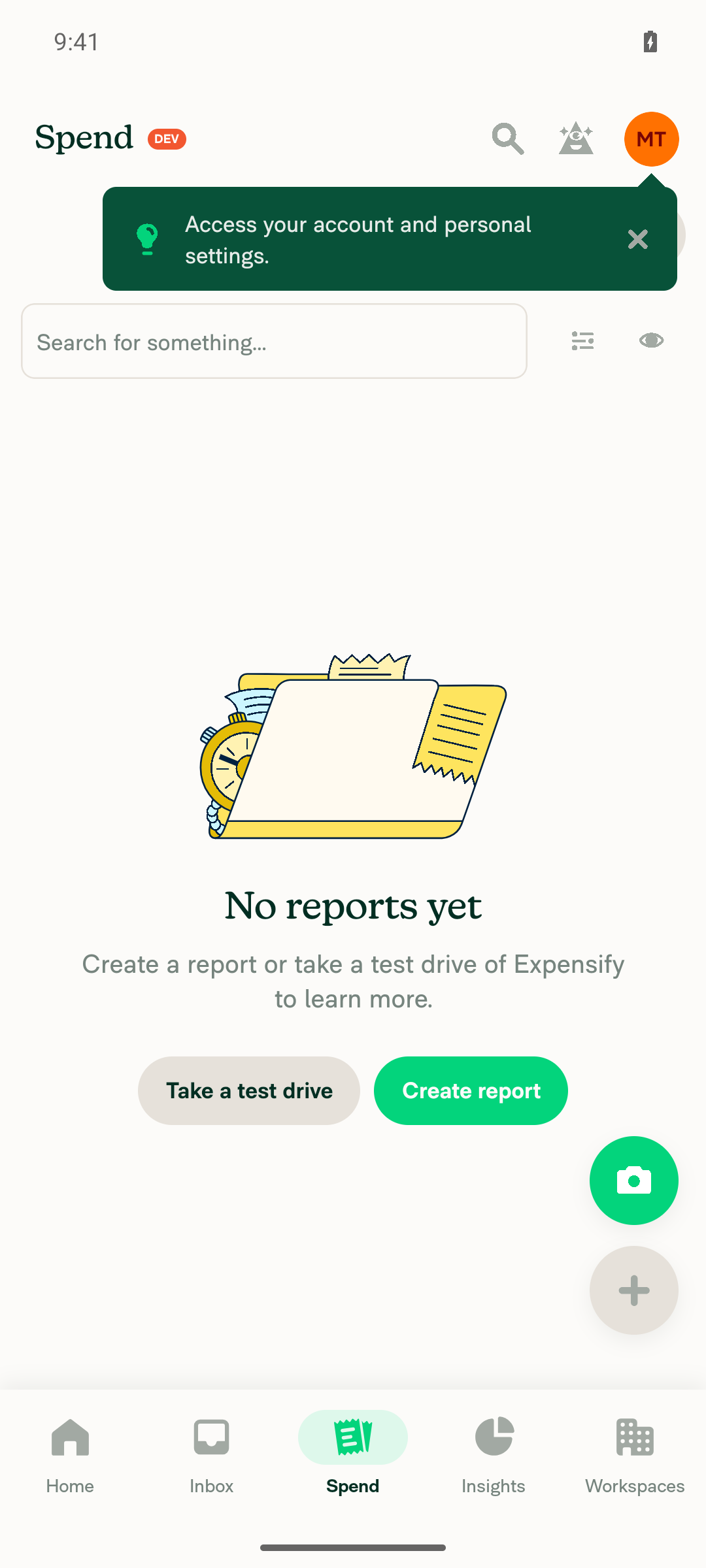
🤖 Android test steps verification results: Inspection completed on standalone Android NewDot. Reports showed “No reports yet”; the required regression fixtures were unavailable, and available setup tools could not create them.
|
|
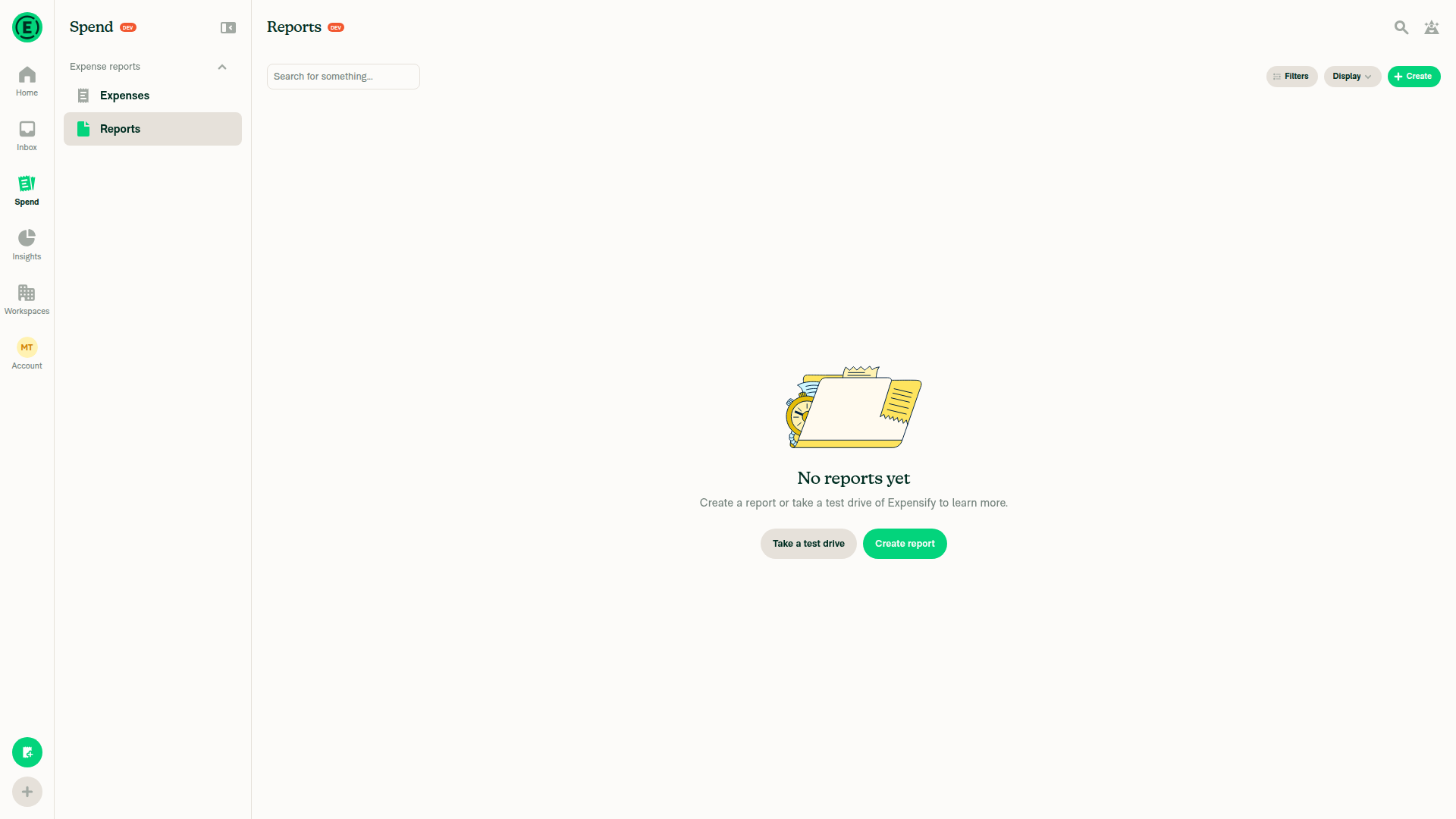
🤖 Web test steps verification results: Blocked on dev NewDot web: the account shows “No expenses yet” and “No reports yet.” No fixture-creation tool is available, so the requested regression cases could not be exercised.
view run · no recording available |

 Krishna2323
left a comment
Krishna2323
left a comment
There was a problem hiding this comment.
@MelvinBot please update the PR description:
Tests (web, wide layout)
Setup: A Collect workspace with two cash expenses on one open report. Both expenses should be reimbursable and not billable.
- Go to Workspace > Rules > Cash expense default and select "Always non-reimbursable".
- Open one expense and verify that the Reimbursable toggle is shown.
- Go back to the report, select both expenses, and click Edit multiple. Verify that the Reimbursable row is shown.
- Turn off Reimbursable for each expense individually. Select both expenses and click Edit multiple. Verify that the Reimbursable row is hidden.
- Turn Reimbursable back on for only one expense. Select both expenses and click Edit multiple. Verify that the Reimbursable row is hidden.
- Change the Cash expense default to "Reimbursable by default". Select both expenses and click Edit multiple. Verify that the Reimbursable row is shown.
- Go to Workspace > Rules and turn on billable tracking. Select both expenses and click Edit multiple. Verify that the Billable row is shown. Turn off billable tracking and verify that the Billable row is hidden.
- Verify that no errors appear in the JS console.
Offline tests: Repeat the same steps, but turn off the network after step 1.
QA Steps: Same as the Tests section.
Then, review the PR Author Checklist and check only the items you can verify from the diff:
- Linked issue
- Tests, Offline tests, and QA steps
- Unit tests added
- No new copy, pattern, assets, Markdown, or Storybook impact
Leave any items unchecked if you can't verify them.
Once everything is updated, mark the PR as ready for review.

|
@Krishna2323 Please copy/paste the Reviewer Checklist from here into a new comment on this PR and complete it. If you have the K2 extension, you can simply click: [this button] |
|
Updated the PR description with your exact Tests, Offline tests, and QA steps. Checked only diff-verifiable checklist items, leaving unverified testing items unchecked. Confirmed the PR is now ready for review. |

Codex Review Summary: ✅ CompletedThis comment shows the latest Codex review activity on this pull request.
ℹ️ About Codex in GitHubYour team has set up Codex to review pull requests in this repo. Reviews are triggered when you
Codex reacts with 👀 while any review is running, comments if it has suggestions, and reacts with 👍 once all reviews finish with no findings. |

Reviewer Checklist
Screenshots/VideosAndroid: HybridAppandroid_hybrid.mp4Android: mWeb Chromeandroid_mWeb.mp4iOS: HybridAppios_hybrid.mp4iOS: mWeb Safariios_mWeb.mp4MacOS: Chrome / Safariweb_chrome.mp4 |

 mountiny
left a comment
mountiny
left a comment
There was a problem hiding this comment.
Thank you! gonna move this ahead


|
🚧 mountiny has triggered a test Expensify/App build. You can view the workflow run here. |

|
✋ This PR was not deployed to staging yet because QA is ongoing. It will be automatically deployed to staging after the next production release. |
|
🧪🧪 Use the links below to test this adhoc build on Android, iOS, and Web. Happy testing! 🧪🧪
|


|
🚀 Deployed to staging by https://github.com/mountiny in version: 9.5.40-0 🚀
|
|
No help site update needed — this PR fixes bulk expense editing to follow existing editing rules, without adding a new workflow or making existing help guidance incorrect. |


Explanation of Change
Use the same policy helpers as individual expense editing so bulk Reimbursable and Billable rows do not disappear when workspace lock flags are omitted. Locked cash expenses that remain correctable individually also remain eligible in bulk.
Preserve the existing company-card force restrictions, Do Not Force behavior, unreported-expense handling, report exclusions, permission checks, and all-selected-expenses eligibility. Reported cash expenses still require a resolved policy.
Add nine UI regression cases covering missing flags, locked matching and differing values, mixed selections, reimbursable defaults in both directions, omitted values, and missing policies. Existing card regression tests are unchanged.
AI Tests
Contributor branch access
This draft uses an upstream branch because Melvin cannot push to the requester's fork. To copy it to your fork:
You can then close this draft and open a PR from your fork if preferred.
Fixed Issues
$ #106741
PROPOSAL: #106741 (comment)
Tests
Web, wide layout
Setup: A Collect workspace with two cash expenses on one open report. Both expenses should be reimbursable and not billable.
Offline tests
Repeat the same steps, but turn off the network after step 1.
QA Steps
Same as the Tests section.
PR Author Checklist
Checklist review: the conditional copy, new-pattern, assets, Markdown, and Storybook items are checked as not applicable to this diff. The testing steps above are documented instructions, not a claim that manual testing passed; execution-dependent and otherwise unverified items remain unchecked.
### Fixed Issuessection aboveTestssectionOffline stepssectionQA stepssectionAvatar, I verified the components usingAvatarare working as expected)npm run compress-svg)Avataris modified, I verified thatAvataris working as expected in all cases)Designlabel and/or tagged@Expensify/designso the design team can review the changes.mainbranch was merged into this PR after a review, I tested again and verified the outcome was still expected according to theTeststeps.Screenshots/Videos
Android: Native
Android: mWeb Chrome
iOS: Native
iOS: mWeb Safari
MacOS: Chrome / Safari