Repository navigation
fix: apply the #493 code review to photo refinement and the detector replay - #518
Merged
Merged
Conversation


## Summary

The development `RECOGNITION` line splits `endToEndMs` into phases, so a
phone session shows where the second goes. The card detector and the
recognizer take the native timestamps where the time is spent. All
timestamps are milliseconds since 1970, like `Date.now()`.

```text
JS onPhotoRequested            photoRequestedAt
  CameraSession.takePhoto        receivedAt      photoRequest
    didCapturePhotoFor           capturedAt      photoCapture
    didFinishProcessingPhoto     processedAt     photoProcessing
    JPEG file written            savedAt         photoSave
JS recognizePhoto calls recognize recognizeCalledAt photoHandOff
  native recognize starts        startedAt       recognizerCall
  native recognize ends          endedAt         recognizer
JS logs the line                 at              recognitionHandOff
```

```diff
 RECOGNITION {
   ...recognition, at, endToEndMs,
+  phaseMs: { photoRequest, photoCapture, photoProcessing, photoSave,
+             photoHandOff, recognizerCall, recognizer, recognitionHandOff },
+  photoSize: { width, height }
 }
```

- `takePhoto` also returns `width`, `height`, and `times`. `recognize`
returns `{ recognition, times }`.
- The phases add up to `endToEndMs`. A failed recognition logs no
phases.
- `photoSize` is there because a larger photo on iOS 27 would slow the
capture, the save, and the rectify step.
- The log stays development only, like the existing line.

## Evidence

- **Before:** `recognition-log.test.tsx` failed. The app read the old
`recognize` reply and crashed in `outcomeOf`.
**After:** `the recognition log splits the end-to-end time into the
phases of the scan` passes. The fakes take scripted times for each
phase, and the line logs those phases, the photo size, and `endToEndMs`
1,017.
- Mutation check: measuring `photoHandOff` from `processedAt` instead of
`savedAt` makes the test fail (`photoHandOff` 115, expected 45).
- Local: `bun run typecheck` and `bun run lint` pass. `recognition-log`,
`bin-deck`, `scan`, `scan-batch`, `latest-scan`, and `training-crops`
tests pass (177 tests). `swiftc -typecheck` of `CameraSession.swift`
with the detector sources for the iOS Simulator SDK passes. The detector
and recognizer workflows build the app with the module changes.
- No Simulator check: the Simulator has no camera, so the photo path
cannot run there.

## Merge Danger

**Door:** two-way

**Blast Radius:** small

The native reply shapes of `takePhoto` and `recognize` change. The
JavaScript and the native code ship together in one build, so an old
development build with new JavaScript fails to recognize until it is
rebuilt.

Part of #503. After merge, the owner scans on the phone with a
development build, and the phases go in a comment on #503.
Closes #507

## Summary

The reader takes more set codes from the line with the language code,
and `decide` matches them only against the sets of the image shortlist.

```diff
 CollectorLineReader.parse
+  map Cyrillic look-alike letters to Latin
+  take the code before the language code, spaces removed
+    separators: • · . * ★ ☆ - + # ~ %, or none ("DSCEN"), one stray digit before EN
+  read no collector number from the language line           # "M210 EN" is not 210
+  mark a number read before a rarity letter ("269 C")

 CardRecognizer.decide
-  setCode = exact code, or the one shortlist set one character from the token
+  setCode = exact code, or the one shortlist set at the best match level:
+    exact > equal after look-alikes > first character dropped or separator read > one character apart
+  drop a "269 C" number that names a printing the image does not support
   set code accept
+    needs the set to have one printing of the top card in the gallery
+    needs the next other card at least the art margin behind
   shared art, number with no set code
+    show the one same-art printing of the top card with that number first, abstain
   unique art accept
+    abstains when a set code was read and the top printing's frame (1993, 1997, 2003) prints none
```

`README.md` (Card recognizer) describes the rules. The research and the
replay are in `docs/research/collector-line-set-codes.md`.

## Evidence

Swift tests: `swift test` with the fixture model, 88 passed (22 new).
Each new rule has a mutation check. I broke each rule on purpose and its
test failed: the language line number, the two-set tie, the margin
guard, the older-frame guard, the set guard, the dropped number, the
number-first rule, the separator level, and the joined code in lowercase
text.

### Local recognizer replay

`bun run recognizer:replay` on the owner's Mac (Apple M3, macOS 27.0.1),
with
`RECOGNIZER_GALLERY_DIR=~/Library/Caches/mtgscan/gallery/installed/20261021-c38f43`.
I ran it on `main` (a6fcfaf, exit 0, 0 changes against the expected
files) and on this branch (68ffac7, exit 2, every gate passes). Feature
print parity: lowest cosine 1 over 24 references.

Exact accepts / right printing first:

| Test | Before (`main`) | After | Replica estimate in #507 |
| --- | --- | --- | --- |
| Gate 1, real crops | 207 / 230 | 217 / 241 | 216 / 241 |
| Gate 2, simulated scans | 2,134 / 2,531 | 2,161 / 2,542 | 2,164 /
2,542 |
| S07 crops (outside the replay) | 75 / 89 | 85 / 94 | 85 / 94 |

| Gate | Before | After |
| --- | --- | --- |
| Wrong-card accepts, full and held out | 0 | 0 |
| Gate 2 accepts outside the candidate list | 0 | 0 |
| Real accepts with the true printing missing | 0 | 0 |
| Simulated accepts with the true printing missing | 401, all the right
card | 398, all the right card |
| Non-card crops rejected | 11 of 11 | 11 of 11 |

The expected files are recorded again with 68ffac7. A replay against
them now has 0 changes.

Changed results:

- Gate 1, 15 scans: 10 gain an exact accept. 5 abstains now show the
right printing first. None lost.
- Gate 2, 67 scans:
- 30 gain an exact accept, and 13 abstains now show the right printing
first.
- 7 now accept another printing of the right card: 5 The List cards as
the printing they reprint, and 2 promos as their same-text twin. Each is
in the candidate list.
- 9 abstains show a same-number printing of the right card first: 4
World Championship deck cards and 5 promo twins.
- 3 exact accepts now abstain. Swamp MID 382: MID has 3 Swamps and no
number was read. Command Tower DMC 204: after the look-alike map, "2MC"
is one character from two shortlist sets. Andrios PH21 1: "121 • EN" is
one character from LCI, and LCI 1 names another card.
- Mountain PLST WOE-273, accepted as WOE 273 before, abstains for the
set guard.
  - 4 other abstains change their first candidate.
- Gate 2 held out, 13 scans: 398 accepts against 401, 0 wrong cards.

Guard 6c (a set with two printings of the top card needs a number) costs
1 exact accept, Swamp MID 382, on Gate 2. It costs none on Gate 1 or the
S07 crops. That is below "a few", so I did not run a replay without it.

The S07 crops stay outside the repo. I ran them through the recognizer
command on `main` and on this branch, with the true printing of each
card from the S07 run.

## Merge Danger

**Door:** two-way

Reverting the commits restores the old rules and the old expected files.

**Blast Radius:** recognition

Every scan goes through the new parser and decision. The gates show no
wrong-card accept on the Mac. The phone reads the strip at another scale
(research section 1), so Gate 3 and the next phone session are the check
there.
…509)

## Summary

```text
Recognizer check (.github/workflows/recognizer.yml)
  xcodebuild ... -derivedDataPath build          # app path is now known
  check-libwebp-version.mjs <mtgscan.app>        # new step
    pinned = libwebp-Xcode pin in Package.swift (1.1.0)
    swiftc libwebp-version.swift
      -I ios/WebP                                # the vendored headers
      -framework SDWebImageWebPCoder             # from the built app's Frameworks
    simctl create iPhone 16e, boot, spawn probe  # prints WebPGetEncoderVersion()
    fail when linked != pinned
```

The check also runs when `bun.lock` changes, so an `expo-image` update
runs it. The vendored headers carry only the ABI version, so the
expected version comes from the `Package.swift` pin. The README says the
headers come from that version. README (Card recognizer) also says how
to move to a new libwebp.

## Evidence

- **Before:** nothing compared the app's libwebp with the vendored
headers.
**After:** on a local Debug Simulator build of the app (Xcode 26, iOS
27.0 Simulator):
  ```text
  The app links libwebp 1.1.0, the version of the headers in ios/WebP.
  ```
In CI (Xcode 26.3, iOS 26.2 Simulator) the new step prints the same
line.
  With the pin changed to 1.6.0, the script exits 1:
  ```text
The app links libwebp 1.1.0, but ios/WebP holds the libwebp 1.6.0
headers. Copy encode.h, types.h, and COPYING from the new version into
ios/WebP, and pin it in Package.swift.
  ```
- `bun run typecheck` and `bun run lint` pass.

## Merge Danger

**Door:** two-way

**Blast Radius:** CI

The Recognizer job takes about 3 minutes longer, because it boots a
Simulator (3m16s in the first run). It now also runs on every `bun.lock`
change.

Closes #490
## Summary

The `recognizer` phase of the phone session had about 500 ms at p50 that
no stage timed. The stages in `stageMs` now cover the whole native call:

```diff
 recognize (CardRecognizerModule)
+  gallery        wait for the installed gallery
   rectify
   resize
   featurePrint
   search
-  read           Vision's own time only
+  read           the whole read, with the strip crops and title keys
+  decide         shortlist, decision, candidates
+  trainingCrop   TrainingCrop.write (libwebp)
```

The missing time is the WebP training crop. A development build links
the debug build of `SDWebImageWebPCoder` from `expo-image`. Its libwebp
has no compiler optimizations. One 488 x 680 crop at quality 90 takes
about 450 ms with that libwebp on the Mac, and about 25 ms with the
optimized one. A release build links the optimized one.

- The owner's development build (`mtgscanTest`, `Debug-iphoneos`) links
`SDWebImageWebPCoder` with SHA-256 `fa66a4e1…`. That is
`prebuilds/spm-deps/SDWebImageWebPCoder/debug`. The `Release-iphoneos`
build links `5dbe85f6…`, the `release` copy.
- The debug copy is 2.4 times larger in `__text`, and its code is
unoptimized (`b` to the next instruction, `b.ne` then `b`).
- The previous Vision runs wrote the crop as JPEG with ImageIO, which
the system builds optimized.

`CollectorLine.durationMs` goes, because `read` is now the elapsed time.
README (Latest scan) lists the stages. The scanner evidence README says
why `trainingCrop` is slow in a development build.

This PR does not make the crop faster. A development build cannot use
the optimized libwebp without changing how Expo picks its prebuilt
frameworks. Moving the write off the critical path would race the
JavaScript, which moves the crop file as soon as `recognize` answers.
Options for the owner are below.

## Evidence

Mac (Apple M3, macOS 27.0.1). 40 photos at 4224 x 2376 with EXIF
orientation 6, like the phone's JPEG, made from simulated scans. 5
warm-up scans first.
`recognize(photo:outline:gallery:trainingCropDirectory:)` with the
installed gallery `20261021-c38f43`. Throwaway bench, not in the PR.

- **Before:** the stages miss most of the call when the training crop is
written.

  | Build of the command | Call p50 | Stage sum p50 | Untimed p50 |
  | --- | ---: | ---: | ---: |
  | release (libwebp optimized) | 180.6 ms | 152.1 ms | 28.6 ms |
  | release, no training crop | 135.5 ms | 132.6 ms | 3.0 ms |
  | debug (libwebp unoptimized) | 757.9 ms | 255.7 ms | 499.2 ms |

  The phone session had 497 ms untimed at p50.

  **After:** the stages add up to the call.

| Build of the command | Call p50 | Untimed p50 | `trainingCrop` p50 |
`decide` p50 |
  | --- | ---: | ---: | ---: | ---: |
  | release | 150.6 ms | 0.1 ms | 24.8 ms | 0.1 ms |
  | debug | 745.0 ms | 0.1 ms | 453.0 ms | 13.3 ms |

- The WebP encode alone (`WebPConfig`, quality 90, one 488 x 680 crop):

  | libwebp | method 0 | method 2 | method 4 (current default) |
  | --- | ---: | ---: | ---: |
  | optimized | 6.0 ms, 30.2 KB | 7.3 ms, 24.5 KB | 15.4 ms, 24.2 KB |
  | unoptimized | 90.7 ms | 118.8 ms | 383.8 ms |

- Hypotheses that the Mac ruled out: lazy decode of the photo after
`rectify` (`rectify` is 8.6 ms at p50 and renders the card), the JSON
reply (0.1 ms), the shortlist and the decision (0.1 ms optimized).
- **Before:** `the stage times of a recognition add up to the whole
recognition of the photo` failed. The stages added up to 238.6 ms of
584.8 ms.
**After:** it passes 5 runs in a row. `bun run recognizer:test` passes
89 tests.
- `bun run typecheck` and `bun run lint` pass. `swiftc -typecheck` of
`ios/Recognizer` for the iOS Simulator SDK passes. CI builds the app
with the module change.
- `bun run recognizer:replay`, exit 0:

  ```text
  featurePrintParity  24 references, lowest cosine 1, pass
  galleryMatchesRecording  true
  simulatedPhotos  3000, 0 mismatched
  real-full           exit 0, 0 changed measures, 0 changed scans
  real-held-out       exit 0, 0 changed measures, 0 changed scans
  simulated-full      exit 0, 0 changed measures, 0 changed scans
  simulated-held-out  exit 0, 0 changed measures, 0 changed scans
  ```

## After merge

A short phone check on a new development build:

- `stageMs` adds up to `phaseMs.recognizer` to within a few ms.
- `trainingCrop` holds about 450 to 500 ms at p50. `gallery` is about 0
after the first scan.
- If both hold, the recognizer without the crop is about 230 ms, as in
#503. The rest of the second is the camera: `photoCapture` 119 ms and
`photoProcessing` 368 ms.

Options for the owner, not in this PR:

1. Measure the bin-deck latency without the debug crop cost, for example
`endToEndMs` minus `stageMs.trainingCrop` plus 25 ms. Release users
never pay it.
2. Encode with libwebp method 2. It is 3.2 times faster unoptimized and
2 times faster optimized, with a 1.5% larger file. It changes the
training crop bytes, so it needs the WebP round trip and probably an ADR
0015 note.
3. Encode the crop of the preferred rotation while the collector line is
read. This hides about 25 ms in a release build.

The camera settings in `modules/card-detector/ios/CameraSession.swift`:
JPEG (`AVVideoCodecType.jpeg`), `maxPhotoDimensions` set to the largest
16:9 size of the 1280 x 720 video format (4224 x 2376 on iOS 27), and
`photoQualityPrioritization` `.balanced`, which is also the maximum.
`.speed` and a smaller photo size could shorten `photoProcessing`. The
iOS 26.6.1 runs did not log the photo size, so it is not known whether
iOS 27 made the photo larger. This PR does not change the capture.

## Merge Danger

**Door:** two-way

**Blast Radius:** logging

Only the `stageMs` keys of the recognition change. `read` now includes
the strip crops and the title keys, so it reads a few ms higher than
before. Recognition results do not change.

Part of #503.
## Summary

```diff
 check-libwebp-version.mjs <mtgscan.app> [Simulator UDID]
   build the probe
-  create a new iPhone 16e Simulator, run the probe, delete it
+  if a UDID is given
+    boot that Simulator if needed, run the probe, leave the Simulator alone
+  else
+    create a new iPhone 16e Simulator, run the probe, delete it   # CI, unchanged
```

The README now gives the local command with the shared iPhone 16e
Simulator (`D2C1596D-...`). `docs/agents/local-development.md` forbids
creating another Simulator on the Mac.

## Evidence

- **Before:** a local run created and deleted a Simulator named
`mtgscan-libwebp-check-<pid>`.
**After:** with a Debug Simulator build of main and the shared UDID, the
shared Simulator was shut down at the start:

  ```
  The app links libwebp 1.1.0, the version of the headers in ios/WebP.
  EXIT 0
  devices 24 24   # simctl device list lines before and after
  ```

- `bun run lint` passes.

## Merge Danger

**Door:** two-way

**Blast Radius:** tooling

Part of #490
# Conflicts:
#	README.md
#	apps/mobile/modules/card-detector/ios/CameraSession.swift
## Summary

While an image loads, its shape now pulses like the skeleton grid. When
the image loads, it fades in over the skeleton.

```diff
 <CardImage> <CardThumbnail> <CommanderAvatar> <CommanderArt>
-  bg-line under <Image>
+  <SkeletonImage>                     atoms/skeleton-image.tsx
+    loading      ->  <Skeleton> pulsing
+    loaded/failed ->  still line-colored fill
+    <Image onLoadEnd>
 <SetArt>
+  loading  ->  <Skeleton> over the banner
+  loaded/failed -> nothing, as before
```

- `useImageLoading(uri)` tracks the URI that last ended its load. A
recycled tile that gets a new URI pulses again until the new image
loads.
- The skeleton replaces the line-colored background of card images, card
thumbnails, and commander avatars. A pulse over the same color would not
show.
- A failed image stays a still line-colored shape and does not pulse
forever. Commander art with no art crop, or art that fails to load, now
shows a line-colored block instead of the card's surface color.
- The blurred art crop behind the copy page hero has no skeleton.
- All skeletons now share one pulse, which runs while at least one
skeleton is on screen. In Jest, images never load, so each binder tile
kept its own `Animated.loop` running. `collection.test.tsx` advances
fake timers by 6 minutes over 70 tiles, and that test ran out of memory.
The pulse keeps the same 650 ms and 45% values.
- `DESIGN.md` adds the image skeleton under Components and updates the
binder wall card images.

## Evidence

- **Before:** on `main`, a card image is a still line-colored card shape
until it loads.
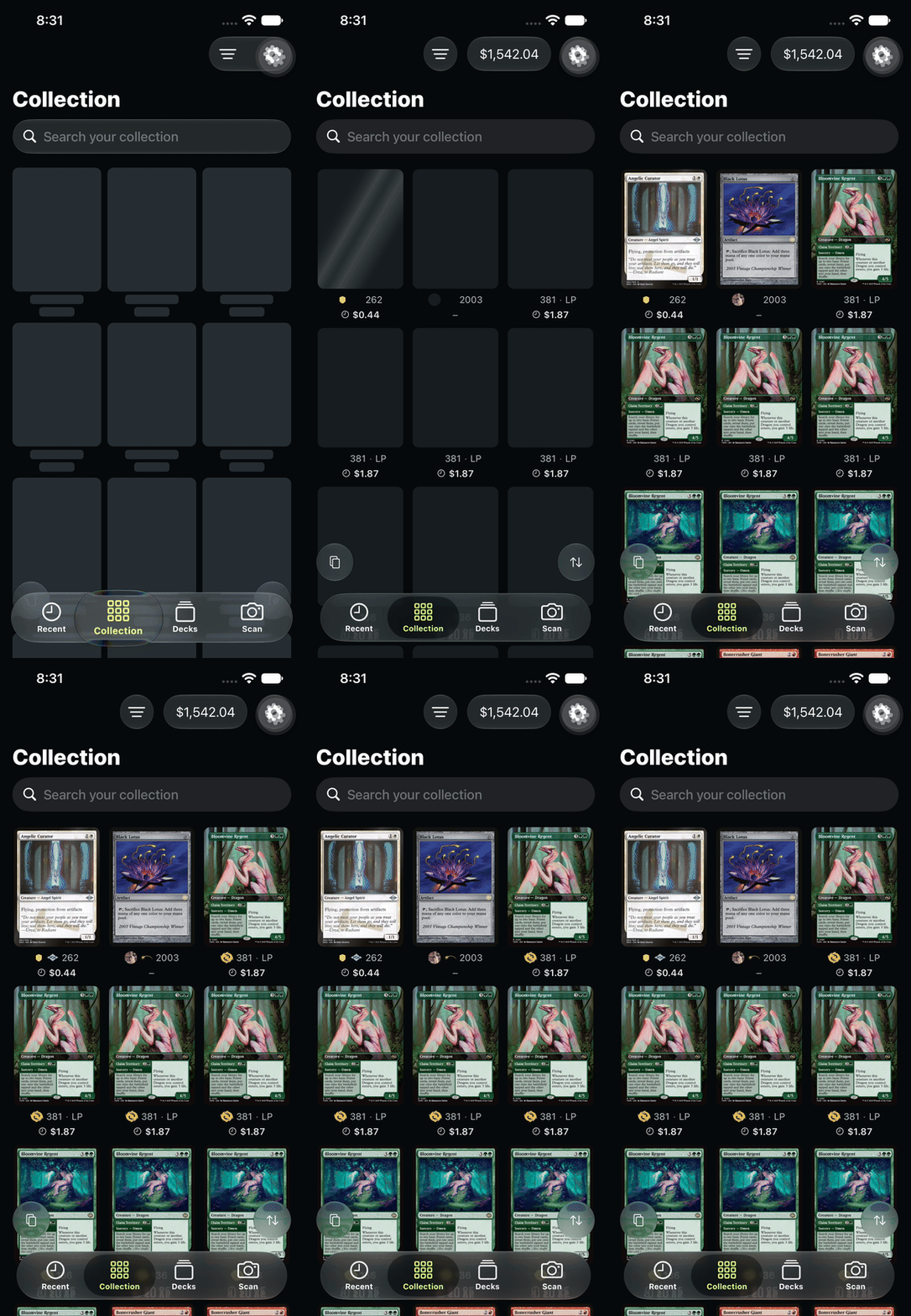
**After:** on the Simulator, with the image cache cleared, the
Collection tiles pulse until their images load, then the images fade in.
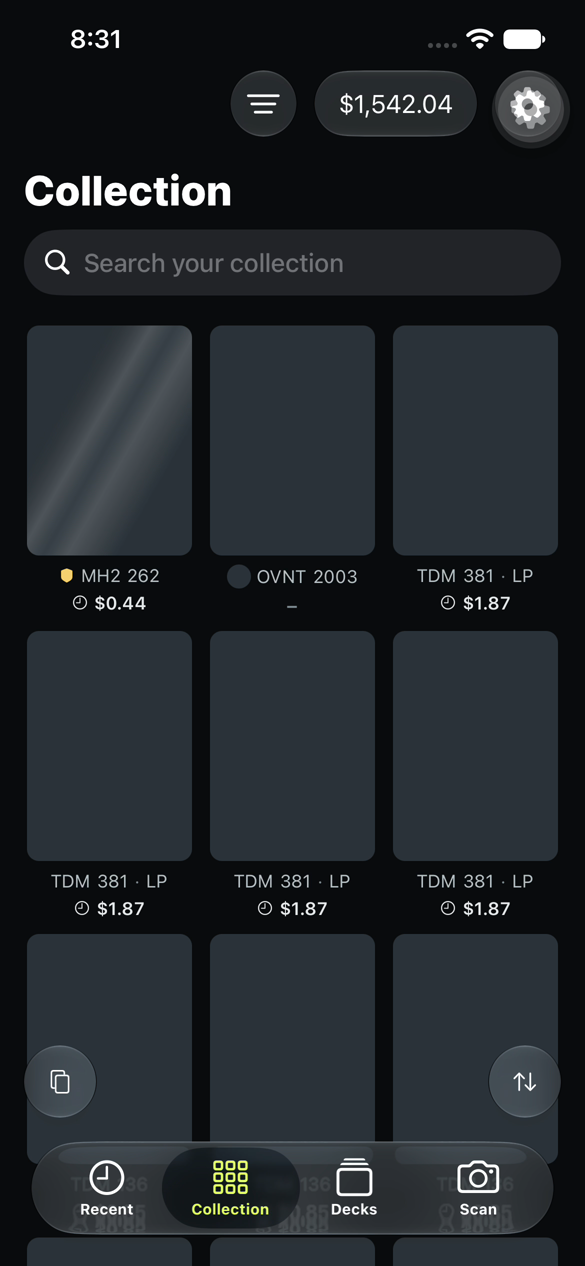
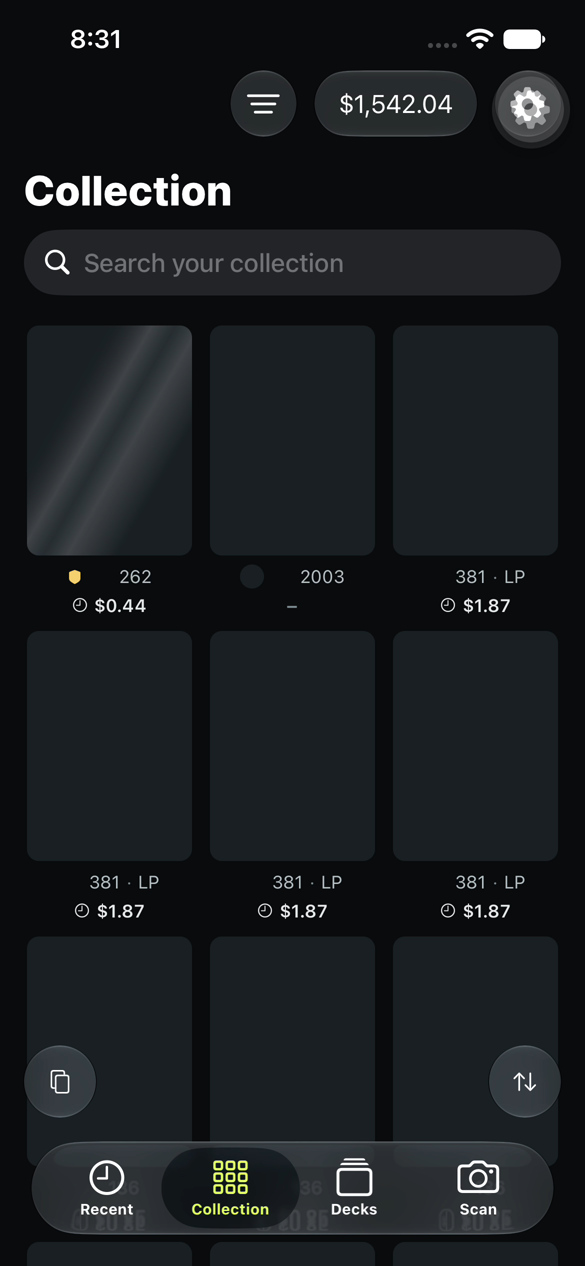
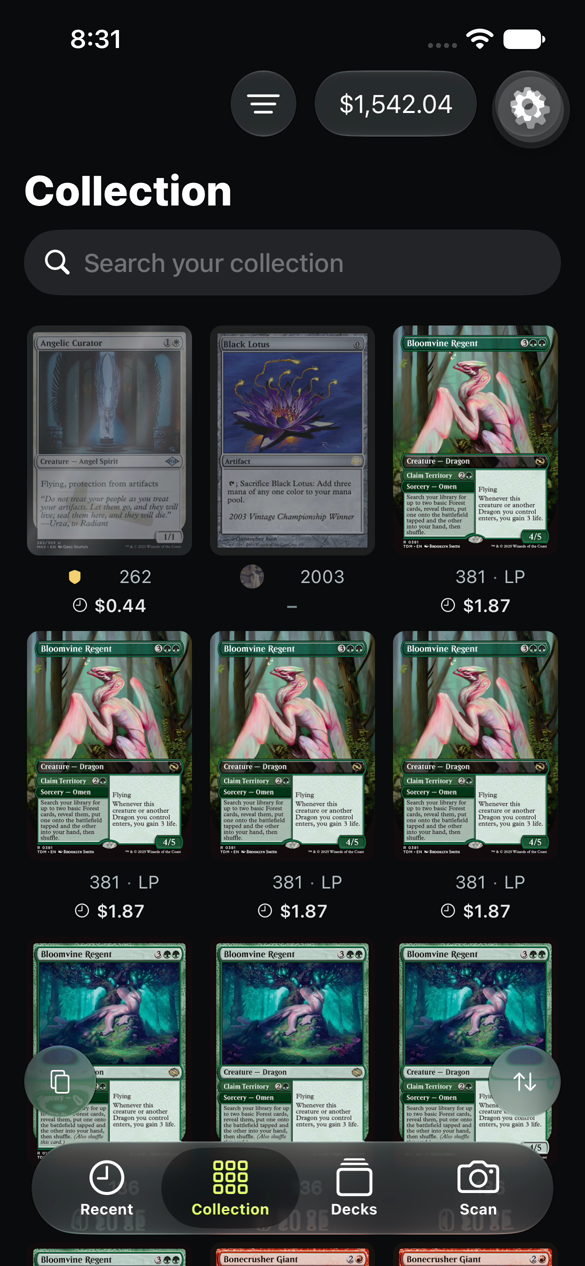
The skeleton grid shows first while the page reads. Then the tiles show
their meta lines while their card images pulse.

  | Pulse | Pulse | Loaded |
  | --- | --- | --- |
| <img
src="https://raw.githubusercontent.com/Reilley64/mtgscan/f65508274a03d5c2361b305252418c3eea3a9121/collection-pulse-1.png"
width="220" alt="Collection tiles with meta lines and prices, card
images still loading as lighter card shapes"> | <img
src="https://raw.githubusercontent.com/Reilley64/mtgscan/f65508274a03d5c2361b305252418c3eea3a9121/collection-pulse-2.png"
width="220" alt="The same tiles a moment later, the card shapes darker
in the pulse"> | <img
src="https://raw.githubusercontent.com/Reilley64/mtgscan/f65508274a03d5c2361b305252418c3eea3a9121/collection-loaded.png"
width="220" alt="The same tiles with their card images loaded"> |

<img
src="https://raw.githubusercontent.com/Reilley64/mtgscan/f65508274a03d5c2361b305252418c3eea3a9121/collection-loading.gif"
width="220" alt="Recording of Collection opening: the skeleton grid,
then pulsing tiles, then card images fading in">

- **Before:** the new tests fail with the image skeleton broken on
purpose.
- With `onLoadEnd` doing nothing, these 3 tests fail: `a card thumbnail
shows a pulsing skeleton until its image loads`, `a card thumbnail whose
image fails to load stops pulsing and stays a line-colored card shape`,
and `set art shows a pulsing skeleton until it loads, then nothing
behind the art`.
- With the loading check ignoring a new URI, `a card image shows a
pulsing skeleton again when it shows another card` fails.
- With one pulse per skeleton, `after a long time on another tab,
Collection keeps the tiles shown when it gains focus and reads as many
pages again as it showed` times out after 20 s. The full run crashed a
Jest worker out of memory.

**After:** all 4 new tests pass. The collection test takes 3.6 s,
against 6.1 s on `main`.
- `bun run typecheck` and `bun run lint` pass. The full app suite
passes, with 43 test files and 1267 tests.
- I checked it on the iPhone 16e Simulator against local Supabase, with
the test user's sample collection. I did not check it on a phone.

## Merge Danger

**Door:** two-way

**Blast Radius:** visual

Every card image, card thumbnail, commander avatar, commander art, and
set art now draws a skeleton until its image loads. The skeletons pulse
in step, because they share one pulse.
… matrix

Photo refinement now checks the card aspect on the card with the kept
frame's intrinsic matrix, as the frame loop does. A size or motion
refusal returns the moved outline. The held-still outline stays the
result only when registration fails or no kept frame has the outline.

The camera session keeps a copy of each analyzed frame with a card from
about the last second, so photo refinement finds the frame that held
still after later frames. OrientationTransform holds the intrinsic
matrix. The detector command keeps only the step mode.

Refs #493
…nd list the frames behind each failing bar

A merge base with no detector command in the step mode now runs the
branch alone against fixed limits. Each failing bar lists its frames or
clips with where the outline was. The photo outline bar is the median
over all clips. Metric names, labels, and formatting each have one
source.

Refs #493

This file contains hidden or bidirectional Unicode text that may be interpreted or compiled differently than what appears below. To review, open the file in an editor that reveals hidden Unicode characters.
Learn more about bidirectional Unicode characters
Sign up for free
to join this conversation on GitHub.
Already have an account?
Sign in to comment

Add this suggestion to a batch that can be applied as a single commit.This suggestion is invalid because no changes were made to the code.Suggestions cannot be applied while the pull request is closed.Suggestions cannot be applied while viewing a subset of changes.Only one suggestion per line can be applied in a batch.Add this suggestion to a batch that can be applied as a single commit.Applying suggestions on deleted lines is not supported.You must change the existing code in this line in order to create a valid suggestion.Outdated suggestions cannot be applied.This suggestion has been applied or marked resolved.Suggestions cannot be applied from pending reviews.Suggestions cannot be applied on multi-line comments.Suggestions cannot be applied while the pull request is queued to merge.Suggestion cannot be applied right now. Please check back later.
Summary
The fix round for the #493 code review.
mainis merged in, up to #517.Also from the standards review:
OrientationTransformholds the intrinsic matrix, sodetect → refine → quadrilateral → metricsno longer pass it.millimetres, one list of metric names, one pixel mapping, typedCondition,TiltBucket, andBorderColor.frames.pyandsimulate.pyimport oneimage_download.py. Its code is the olddownloadwith the user agent as an argument.stepmode.PhotoOutline.chosenischeckedOutline, andsides()ismeanSideLengths. The clashingruns arerunProcessandwholeRun.src/scan/capture-log.tsandimage_download.py.Evidence
bun run detector:test: 32 tests pass. New tests:refinedwith the frame's intrinsic matrix, not refined without it. Mutation: drop the matrix inPhotoLuma, and the test fails withsizeRefused.KeptFramesfinds the frame that held still after later frames, and forgets frames older than a second. Mutation: keep only the last frame, and 2 tests fail.copiedPlanescopies a frame into a new buffer with the same bytes.bunx jest test/detector-replay.test.ts: 35 tests pass, with new tests for the frames and clips listed under each failing bar, the photo outline bar over all clips, and the fixed limits.frames.pywith the shared download renders every frame, clip frame, photo, andlabels.jsonwith the bytes inframes.sha256.spec/493-detector-replayat204b40f: Before: 11 refined, 2 size refused, 3 motion refused, of 16. After: 16 refined, of 16. The photo outline median over all clips falls from 0.90 to 0.06 mm.bun run detector:replay --base origin/main: "The merge base 8e3e450 with origin/main has no detector replay", and the branch passes the fixed limits: 0 false outlines, 1 inside outline on plain at tilt 0, Mac p95 5.9 ms. Exit 0.Detector replay
From the job summary of the last Detector run on
macos-15:The branch at 5fdf7a8 against the merge base 204b40f with origin/spec/493-detector-replay, 3 timing rounds.
Card frames by condition and tilt in degrees, merge base → branch:
Empty frames:
Clips by condition, merge base → branch:
Card frames by condition and border color, reported:
Card frames by border color and tilt, reported:
The whole run:
Bars for each condition and tilt:
Bars for each clip condition:
Every bar passes.
Photo refinement on the merge base: 11 refined, 2 size refused, 3 motion refused, of 16 clips that ask for a photo. Median 119 ms on the Mac.
Photo refinement on the branch: 16 refined, of 16 clips that ask for a photo. Median 117 ms on the Mac.
Merge Danger
Door: two-way
Blast Radius: scanner
The camera session now copies each analyzed frame with a card, about 1.4 MB, and keeps about 6 of them. Photo refinement now accepts outlines it refused before, at tilt. Both need the device check (#499, #500): no Simulator or device was used here.
Part of #493