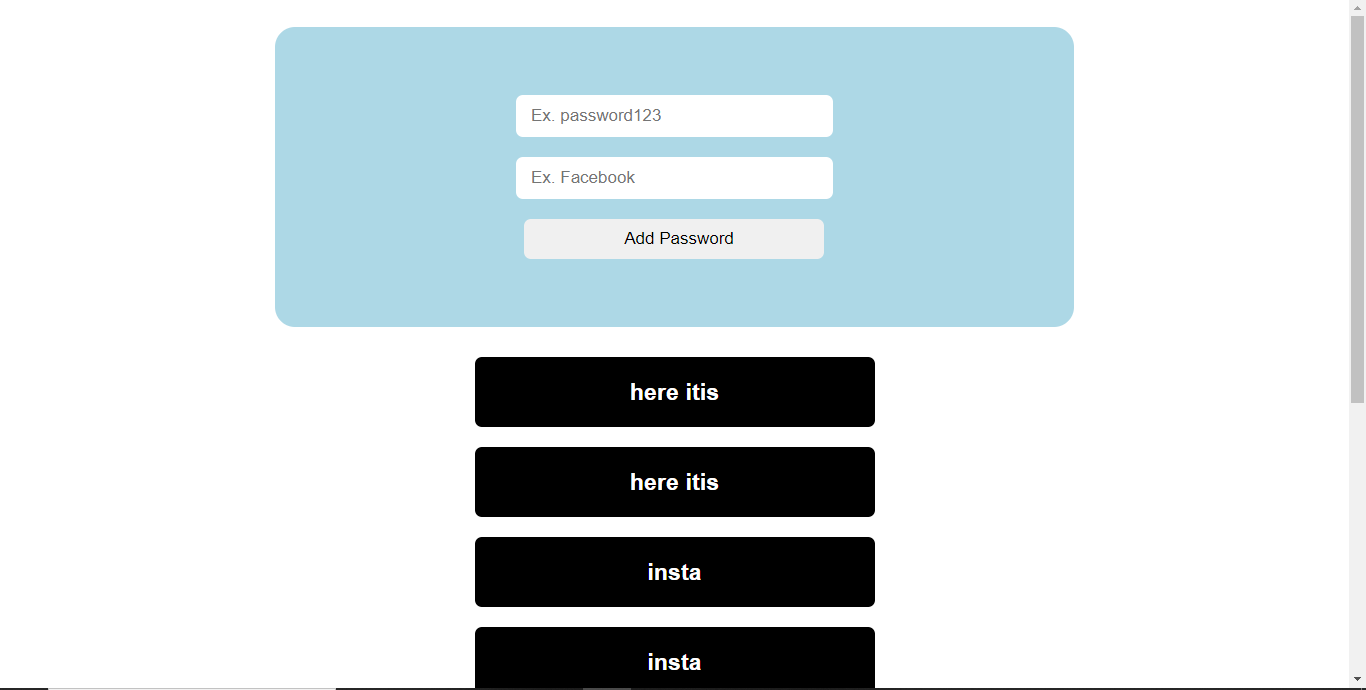
This website application is made to use on the localhost by following the following steps:-
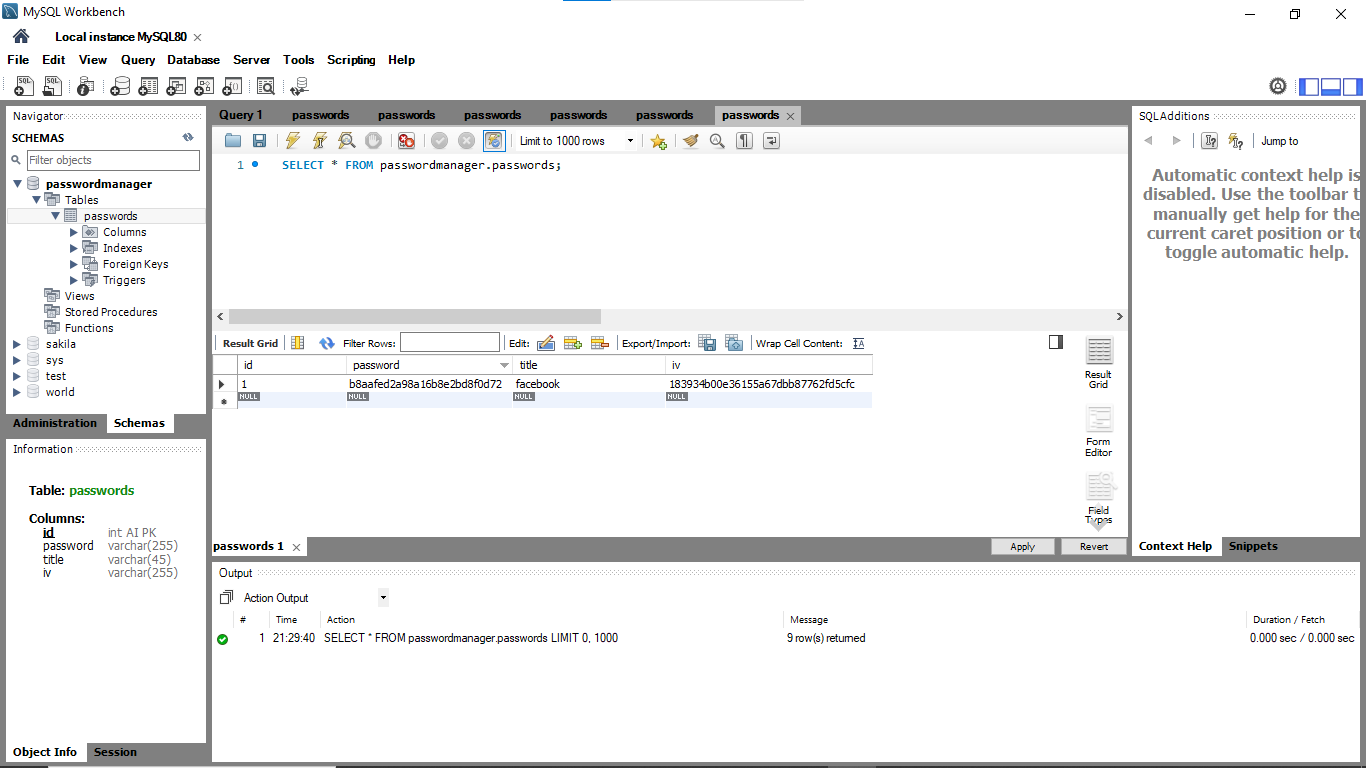
-> Start with starting the creation of the database (passwordmanager) and then inside the database create the table (passwords) having columns
(id, password, title, iv).
-> Redirect the terminal to the server folder and type "npm start".
-> Afterwards make the terminal start frontend at localhost:3000 by typing "npm install" and then "npm start".
-> React (Axios)
-> Nodejs (Crypto module)
-> Express
-> MySQL